
AI Photo Enhancer: Upscale & Sharpen
Make small or blurry photos bigger and sharper with AI. First photo free, then 4p. No subscription.
In plain words: Drop a small or soft photo and AI enlarges it 2× or 4× with sharper detail, with an optional face fix for portraits. It can't fully rescue badly out-of-focus shots and may invent tiny details.
Have a recovery code?
What you get
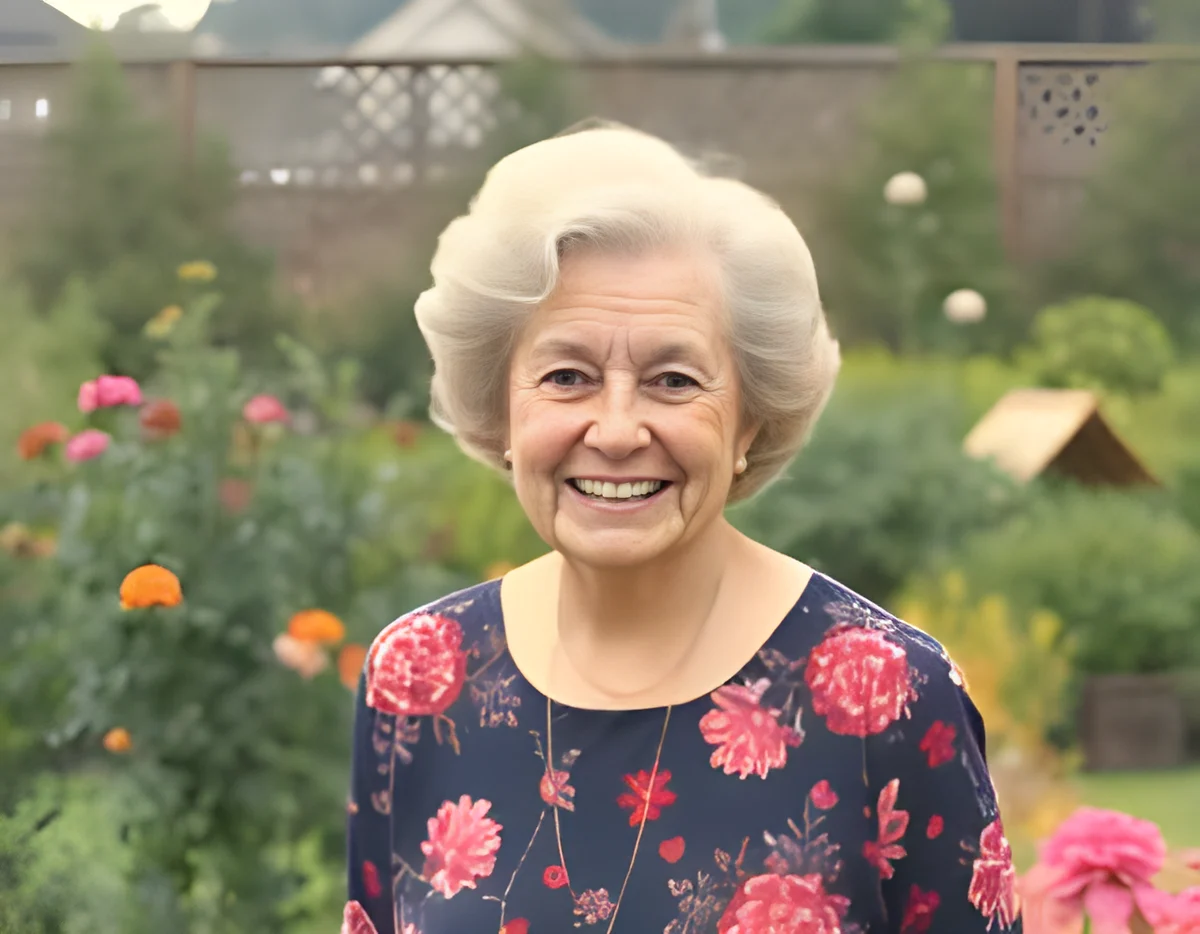

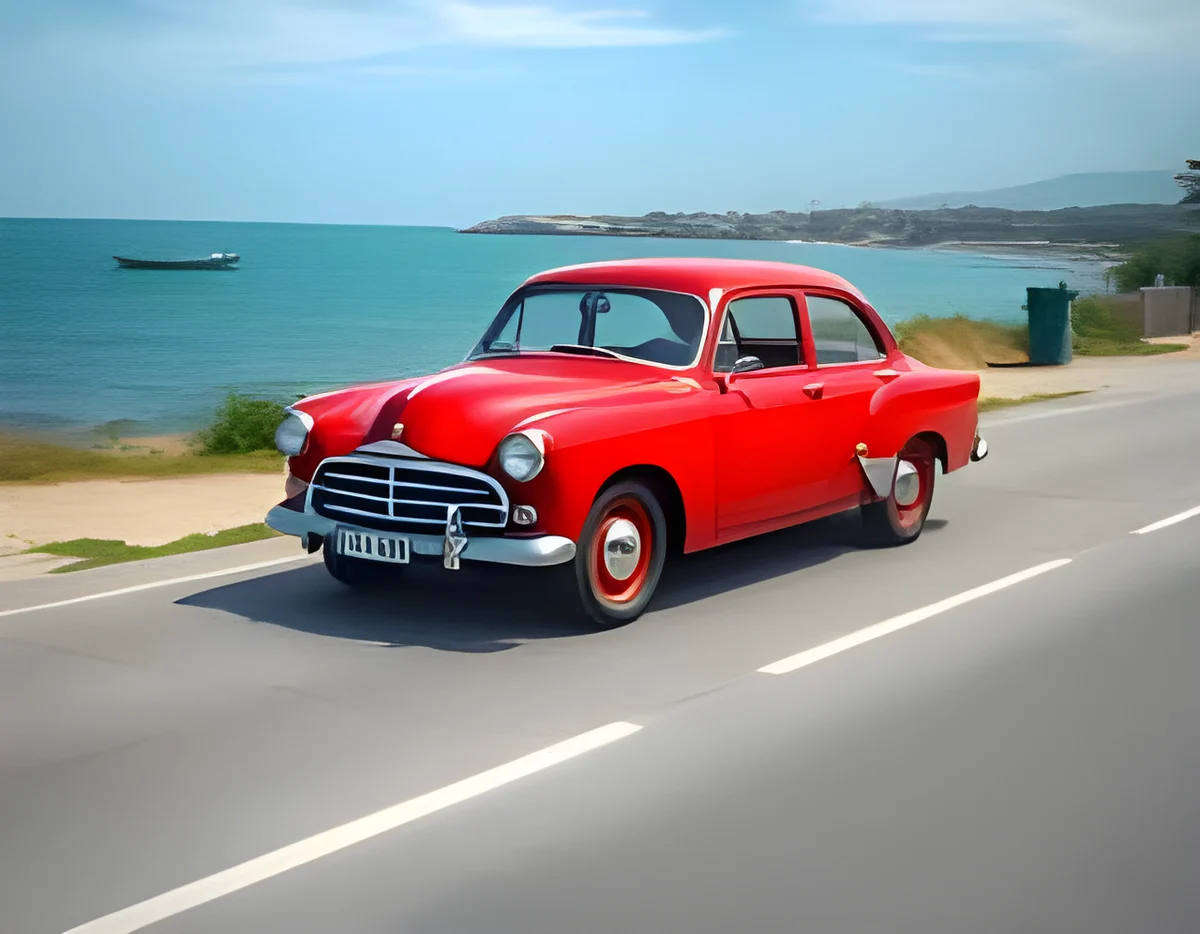
Starting…
How to Use AI Photo Enhancer: Upscale & Sharpen
- Drop a JPG, PNG or WebP photo (small or low-resolution images benefit most).
- Choose 4× or 2×, and tick "Fix faces" for portraits.
- Press Run, compare before and after with the slider, and download.
Bigger, sharper photos in about 10 seconds
Old phone photos, small images from websites, or pictures you want to print bigger. Real-ESRGAN, a widely used AI upscaler, adds believable detail as it enlarges, instead of just stretching pixels. Tick Fix faces to use GFPGAN face restoration, which is great for old family photos.
Good to know
- Works best on images under about 1,600 pixels. Larger images are resized first, because they don't need AI upscaling.
- No watermark. You get the full-resolution PNG.
- For printing, a 4× upscale of a 1,000 px photo gives 4,000 px, enough for a sharp A4 print.
How the pricing works (no subscription)
These tools run on powerful cloud GPUs through Replicate, which charges per use. Instead of a monthly subscription, WeShoal uses pay-as-you-go credit. Add £3 or more once by Apple Pay, Google Pay or card. There's no account and no registration. Stripe, our payment processor, asks for an email only to send your payment receipt, and we never use it for marketing. Your first go on each AI tool is free, with no payment and no email. Each run costs a small fixed amount shown on the button before you start. The price covers the GPU cost plus a small margin that keeps the free tools free.
- You're only charged if it works. If a run fails, the credit goes straight back.
- Your credit lives in this browser. You also get a recovery code so you can use it on another device or after clearing your browser.
- Privacy: your file is uploaded only to run the AI. Temporary copies are deleted automatically within about a day, and results are kept for about an hour.